How I launch the year in my choice-based classroom—and the tools that help students shine
As I head into another exciting year of Teaching for Artistic Behavior (TAB), I’m always reflecting on what helps students feel confident, inspired, and independent in the art studio. Over the years, I’ve refined a toolkit of classroom strategies and resources that help students engage right away and build studio habits from the start.
This post highlights some of my most effective start-of-year tools, plus an exciting new addition to our Media Arts center: digital photography!
📸 Studio Spotlight: Digital Photography with Cameras + iPads
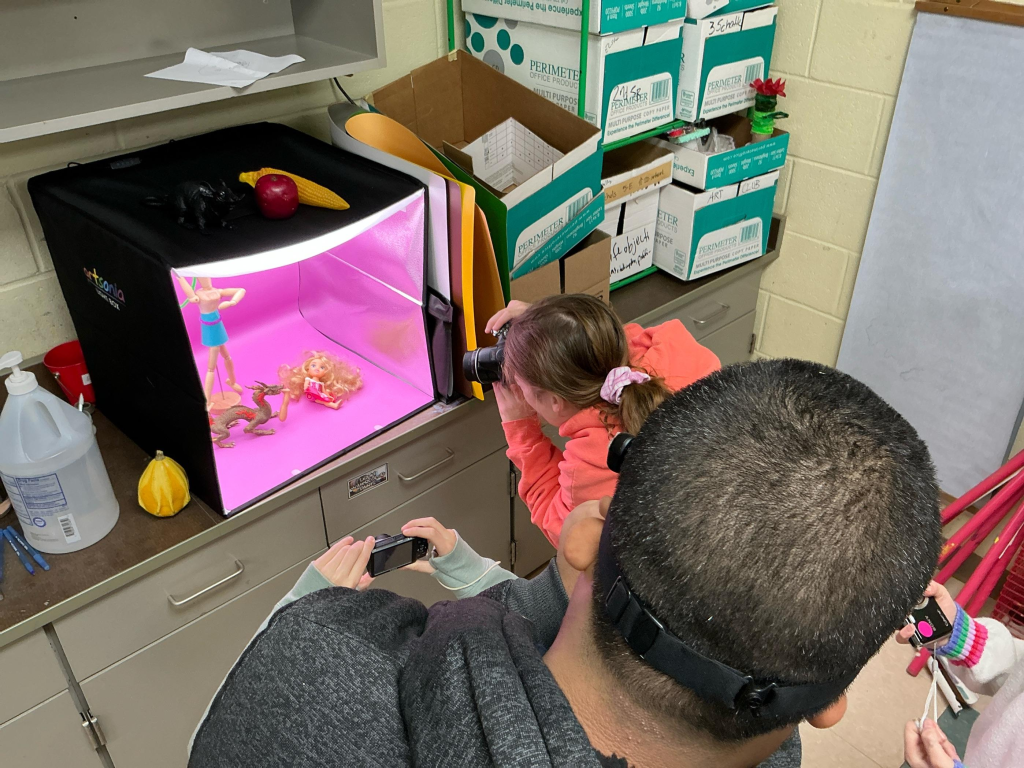
This year, I introduced point-and-shoot digital cameras into our Media Arts studio—a game-changing tool for student voice, storytelling, and composition.
I posted a message on ClassDojo, and thanks to generous donations from families in our school community, we now have several working cameras, LED lights, and even a tripod. I also received a light box donated by a parent and another from Artsonia (pro tip: they’re very responsive to teacher requests!).
Students can:
- Photograph still life objects, toys, or dramatic lighting setups
- Use LED lights or light boxes to play with shadows and mood
- Edit photos on iPads using tools like Pixlr or built-in photo editors
Sharing options include:
- 🖨️ Printing (if you have one or your school has a poster printer, even black & white look great!)
- 🌐 Artsonia digital portfolios
- 💡 Or your school’s platform (e.g., Seesaw, Google Drive, ClassDojo portfolios, etc.)
TIP: Reach out to families for donations! Many have old cameras, props, or even lighting gear they’re happy to give.
✏️ Drawing Benches: New Energy for the Drawing Studio
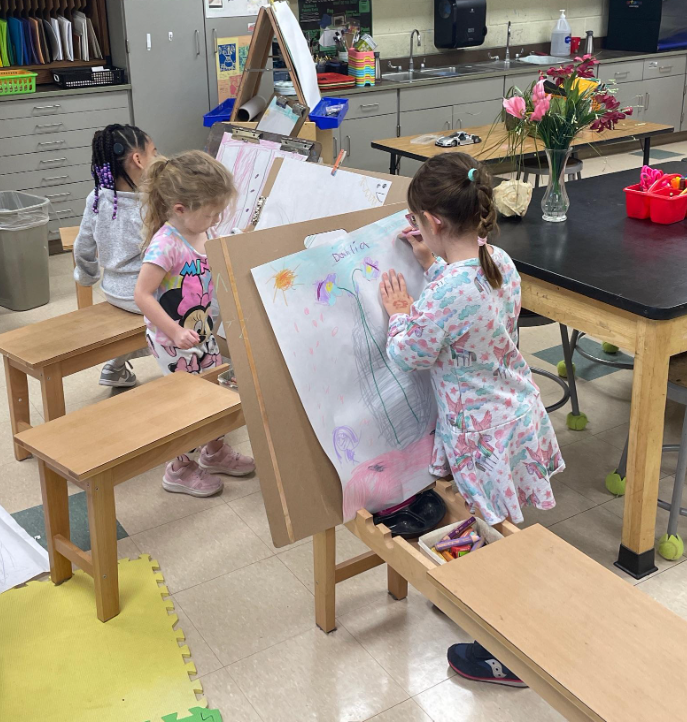
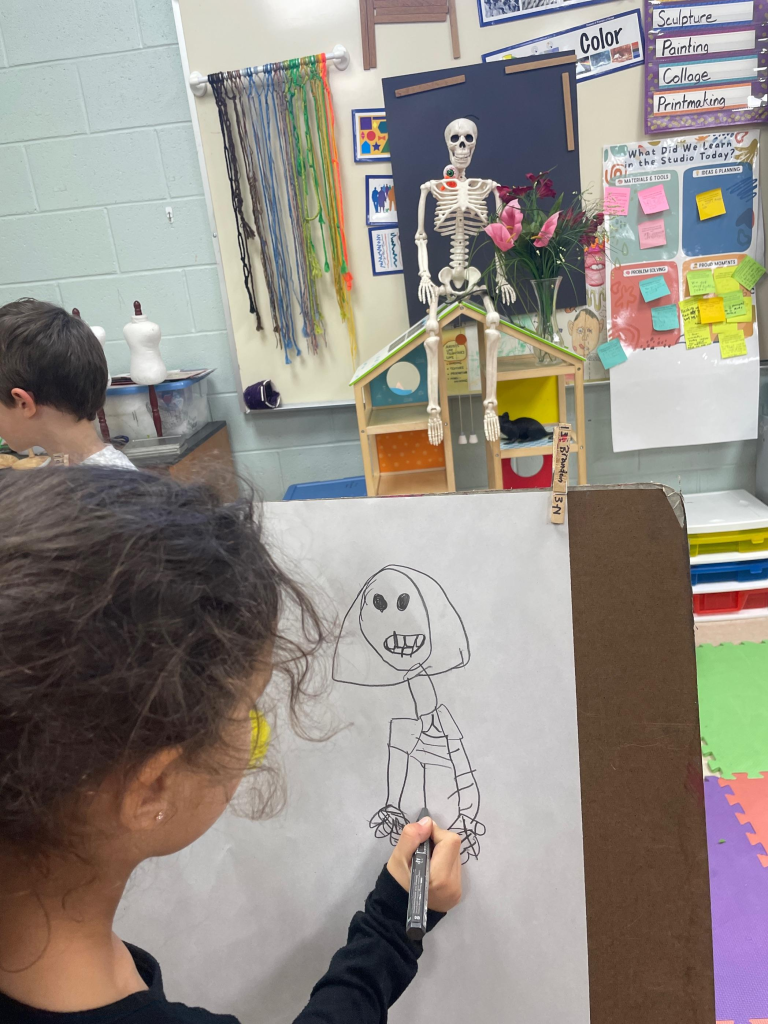
A small shift with a big impact—this year I added drawing horse benches to our Drawing Studio, and the change in focus and posture has been incredible.
Students love using these benches to work at a new angle, and I’ve noticed increased focus during observational drawing time. I keep mirrors and still life objects nearby to encourage close looking and slow drawing.
🧠 Helpful Tools to Support Studio Work
Some extra tools that have made a huge difference in our day-to-day flow:
- 💡 LED reading lights – Great for photo lighting or spotlighting objects for observational drawing
- ✨ Light boxes – Useful for layering, tracing, or creating glowing effects
- 🎯 Objects to photograph – Toys, shells, dollhouses, puppets, figurines—great for storytelling or character development
- 🔖 Visual clean-up charts – Helps build student independence
- 🎨 Labeled studio centers – Use consistent signage and color coding to make studio navigation easier for all students
🔄 Refining & Evolving
While I still use sketchbooks and Osmo Masterpiece in my classroom, I didn’t feature them in this post as I’ve been focusing on building up new centers like photography and sculpture. TAB classrooms are always evolving—and what’s featured changes depending on student interest and studio flow.
That’s one of the many reasons I love this approach: we adapt, grow, and respond to the artists in our room. 🎨
🛠️ Download My Updated Studio Tips
Want a peek into my full set of classroom tools and strategies?
Click here to view the updated Tips & Tricks for TAB Studios Canva resource.
💬 Join the Conversation
What’s one tool or center you’ve added to your studio that made a big difference?
I’d love to hear how you’re starting your year strong—drop a comment, or tag me on Instagram @inspiredarted!
 Inspired Art Ed
Leave a comment